Custom feed-in tariff
The most flexible way for defining a custom feed-in tariff is to input it as an CSV hourly file.
Hourly Parameters file
Please see the Times series import page for more details
The data column must contain a Price per kWh
The detected currency will be displayed next to the Unit label :
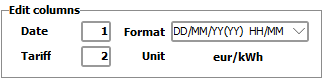
When the currency cannot be detected, the project default currency is used.
If the currency is different from the main currency, the conversion will be applied after the form is closed.
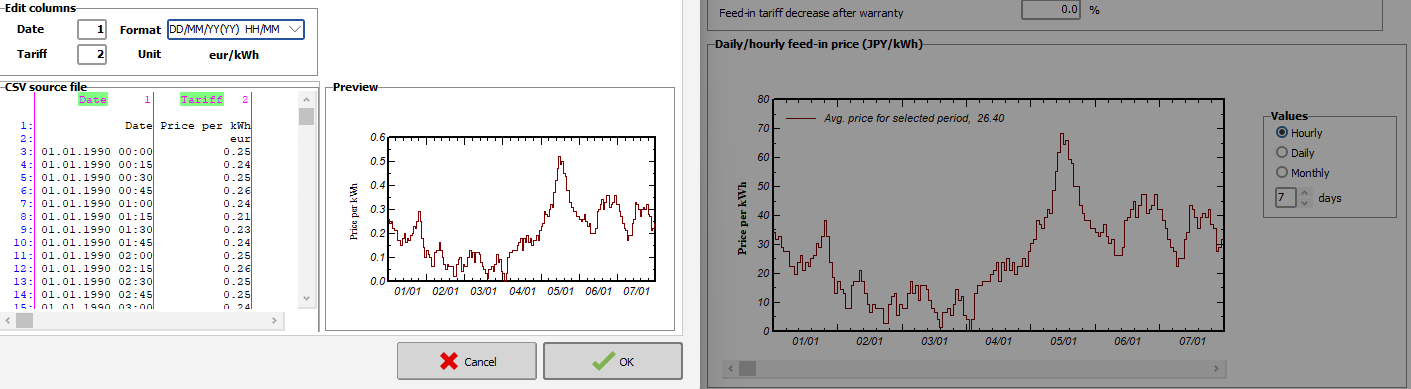
The example below shows a time series defined in €/kWh, in a project in ¥.
On the left, the values as detected in the file (€). On the right, the same values but converted into ¥/kWh