Site Visualization/modification
Once you have selected a site and clicked on Open you can visualize all the site data including:
- Site name, country and region
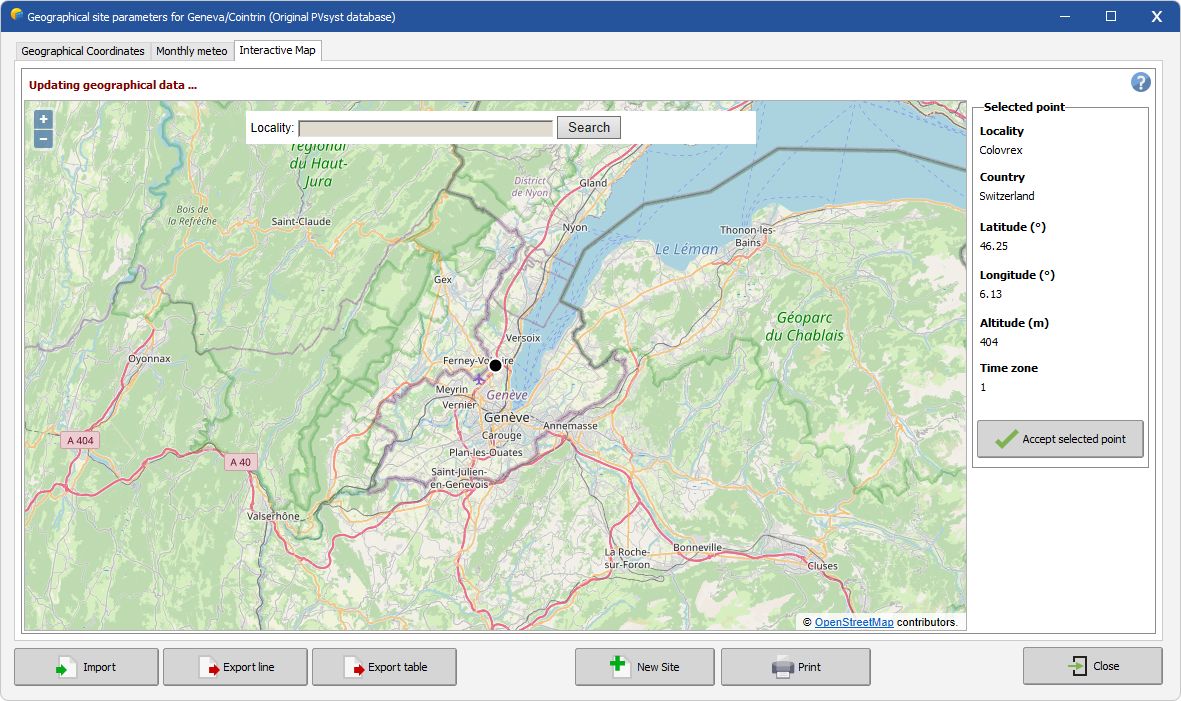
- Latitude, Longitude, Altitude (interactive map available)
- Time zone
- Monthly weather data
When modifying a site, PVsyst will ask whether you want to keep your modifications, and if so it will modify or create a new site.
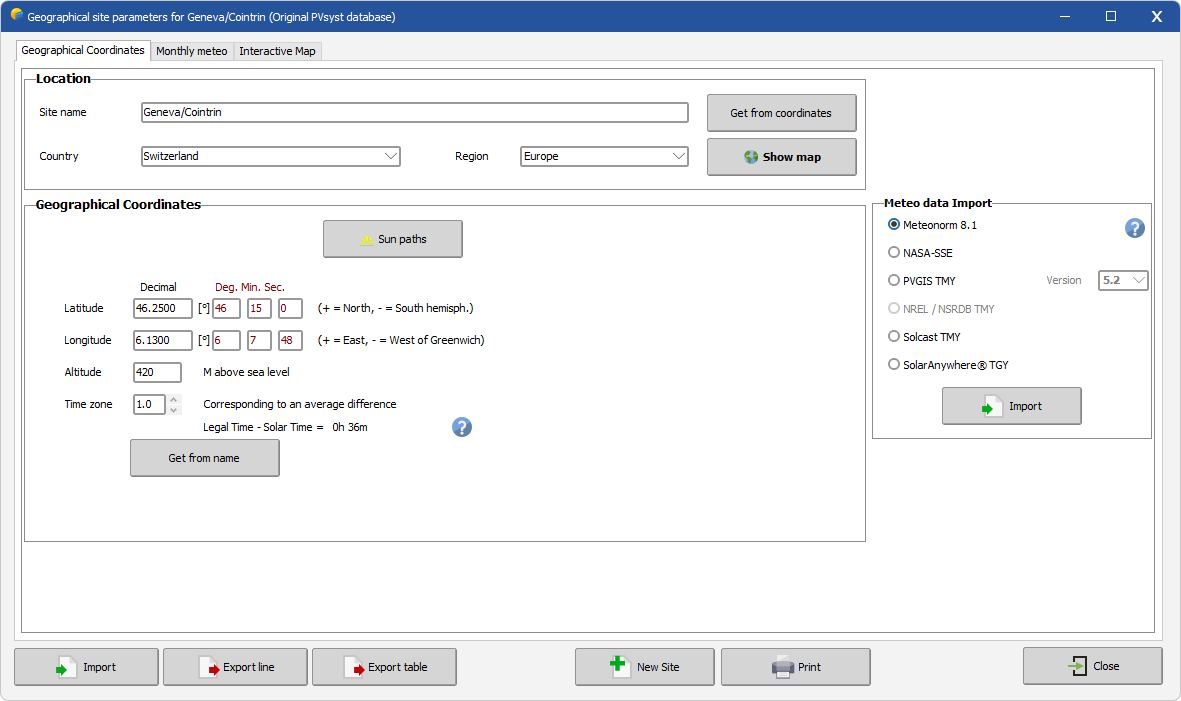
Geographical Coordinate tab
This window displays the site's geographical informational. It also has the additional options to:
- Plot the Sun paths corresponding to your site
- Import new weather data (PVsyst will propose to save a site copy with the new data)
- Print a pdf with the complete site data
Monthly weather tab
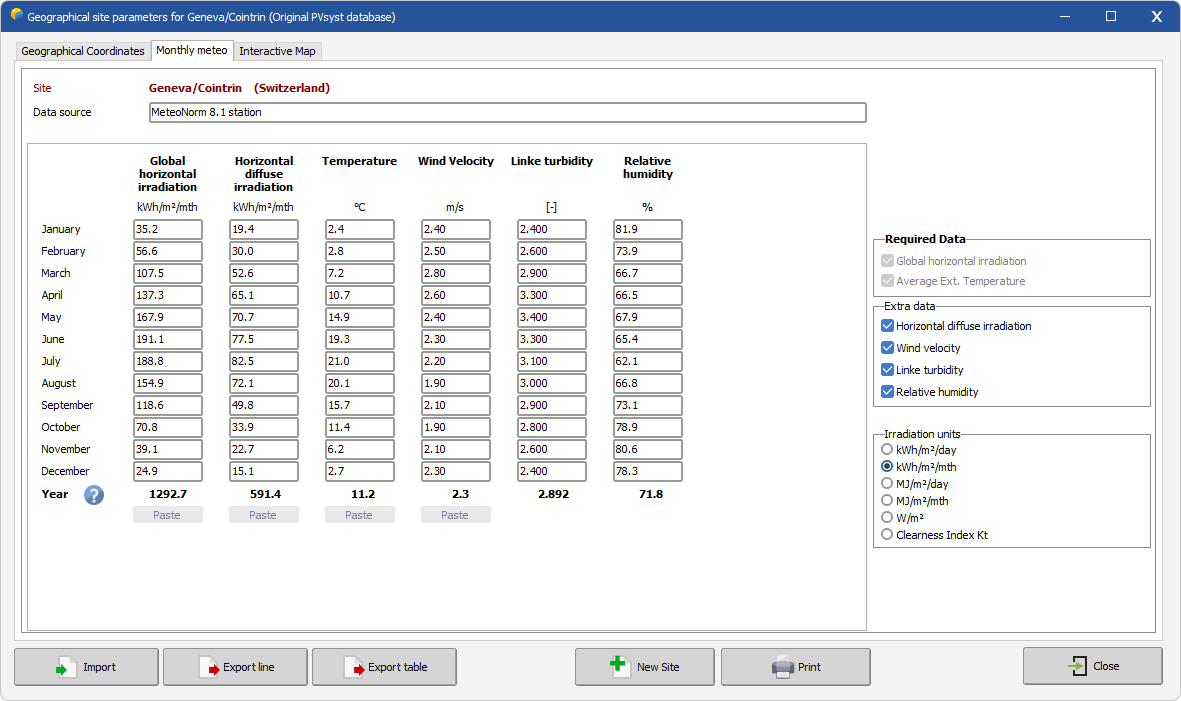
This tab displays the monthly weather data. Here you can:
- Export the site monthly weather data with the Export Table button. Data will be copied to your clipboard
- You can choose the units in the frame "Irradiation units" on the right (you will find many kinds of units in other data sources).
- Add or remove some variables from Extra parameters
- Specify the data source
- Data can be pasted as column only when creating a new site
Remember that Global irradiance and Temperature are mandatory inputs, others are optional. Temperature and irradiance are used for:
- Fast estimates (sizing), in the design part of the program (Orientation, System).
- Snthetic data generation (from the Meteonorm DLL)
Interactive map tab
With the "Interactive Map" you can display your site on a map.